
Download iTunes Backup Extractor Pro – iTunes backup extractor, iPhone data recovery, extract backup files, recover lost data, recover iPhone data, extract iPhone backup, recover iPhone backup
Overview
iTunes Backup Extractor Pro is a specialized software tool designed to retrieve lost or inaccessible data from iTunes backups on Windows systems. It serves as a reliable solution for users who have experienced device loss, accidental deletion, or system failure and need to recover critical files such as photos, messages, videos, and WhatsApp attachments. The app is particularly valuable for individuals who rely on their iPhone for both personal and professional use and require a secure, efficient method to restore data without needing to re-sync their entire device. Its focus on both encrypted and unencrypted backups makes it a versatile choice for users with varying security preferences. The developer, iMyFone, is known for creating utility-focused tools aimed at simplifying mobile data management. Although the developer did not provide additional technical details about the software’s architecture or underlying algorithms, the product is positioned as a user-friendly utility within the broader productivity ecosystem. Real-world use cases include recovering lost family photos after a phone replacement, retrieving important work-related messages, or restoring WhatsApp chat histories after a factory reset. In a digital landscape where data integrity and accessibility are paramount, iTunes Backup Extractor Pro fills a crucial gap by offering a targeted, efficient recovery mechanism for iOS users on Windows platforms.Key Features & Functionality
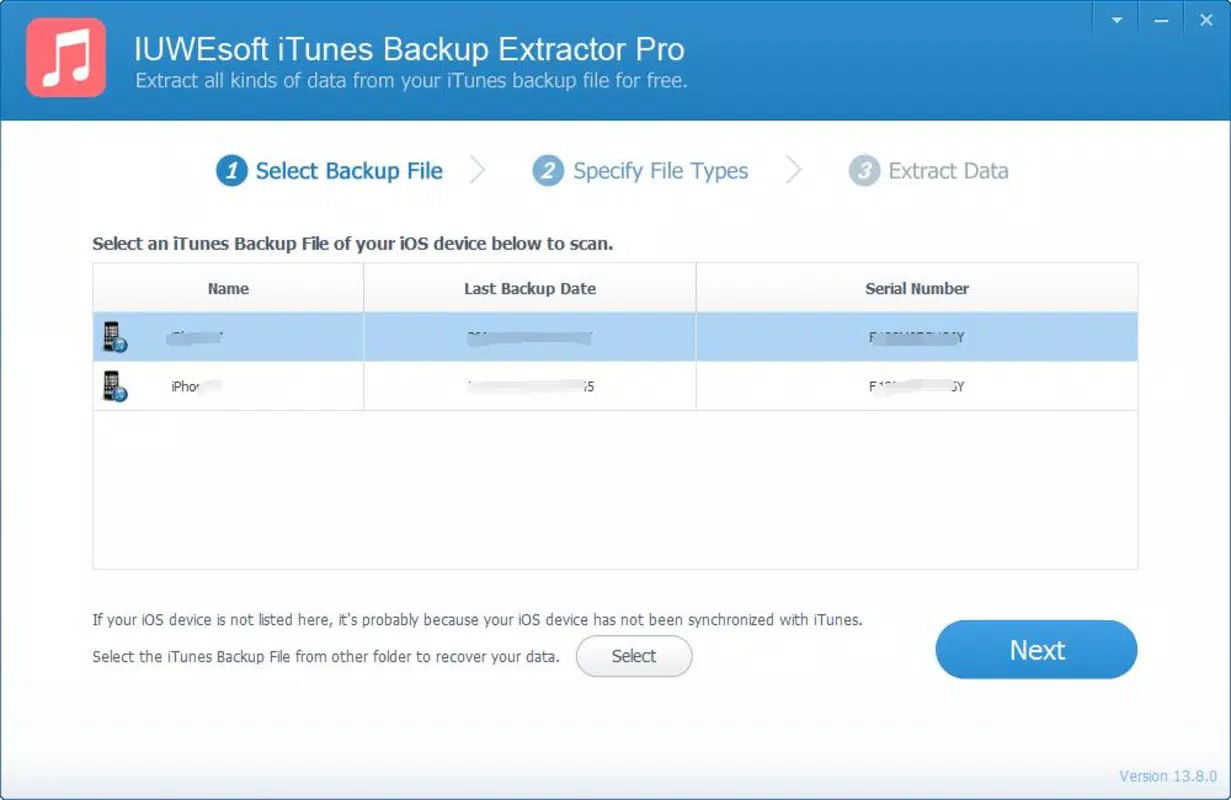
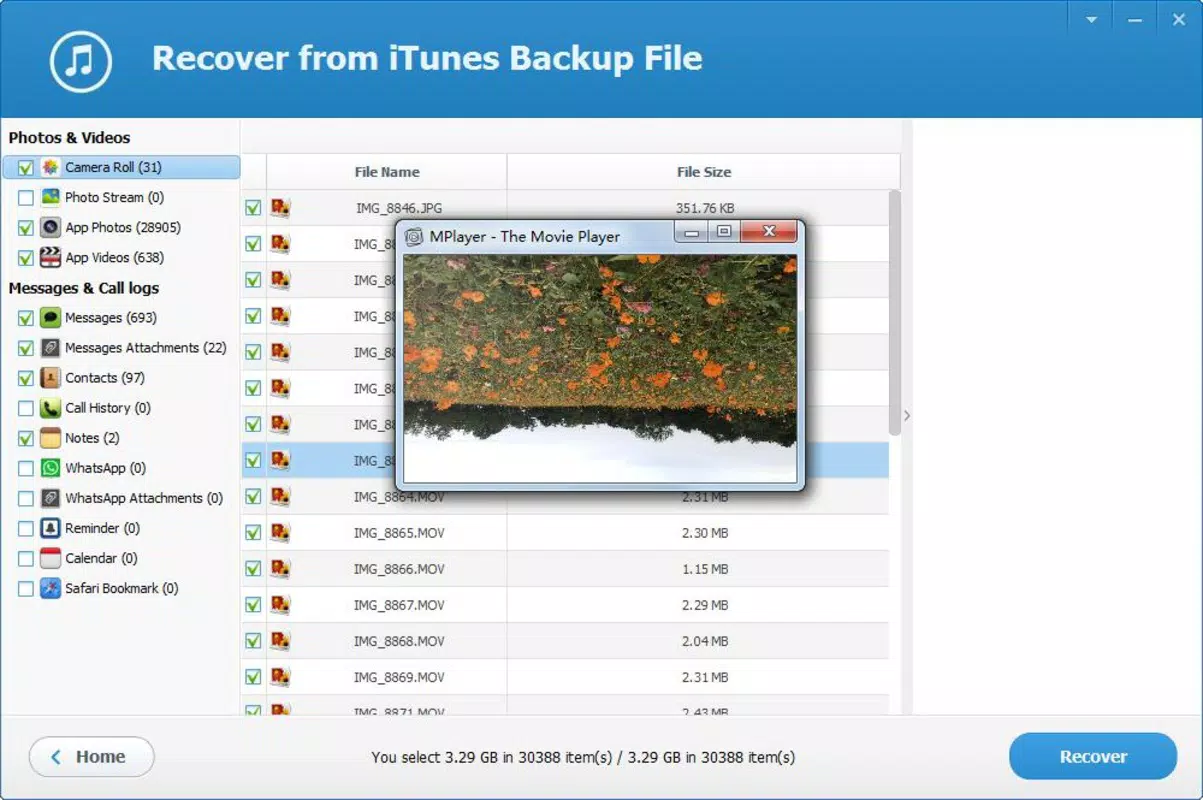
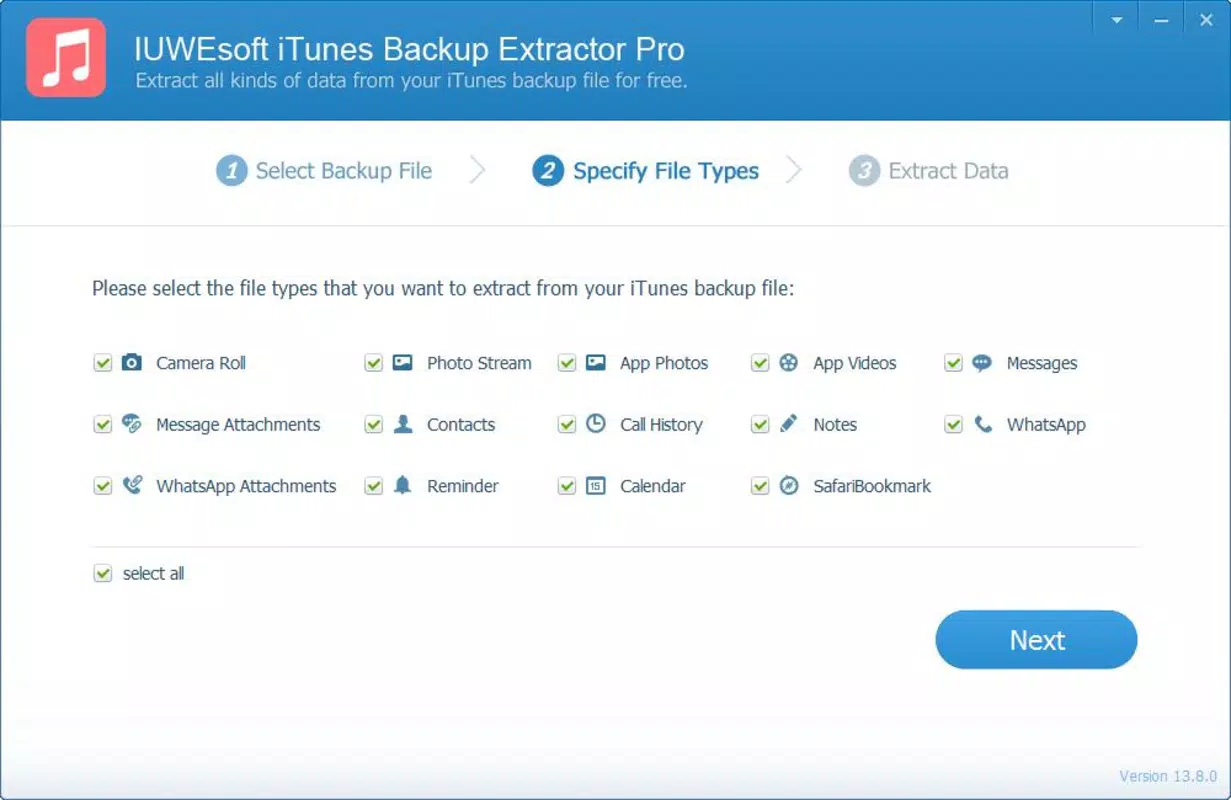
The software delivers a focused set of features tailored to data recovery from iTunes backups. Its primary strength lies in its ability to recover a wide range of data types, including photos, videos, messages, and WhatsApp attachments. This broad support ensures that users can retrieve both personal memories and professional information from their backup files. A standout functionality is the preview-before-export feature, which allows users to inspect the contents of their backup before initiating any extraction. This capability prevents unnecessary data transfers and helps users select only the files they need, saving time and storage space. The software streamlines the recovery process into a three-step workflow: launch the application, select the desired backup file, and extract the targeted data. This simplicity is ideal for users without technical expertise, reducing the learning curve and minimizing the risk of errors. Additionally, iTunes Backup Extractor Pro supports both standard and encrypted backups, making it suitable for users who have secured their data with a password. This dual compatibility ensures that even protected backups can be accessed without compromising security. The intuitive interface further enhances usability, enabling users to navigate through the tool with minimal effort. Each feature is designed to address a common pain point in data recovery, such as uncertainty about what’s inside a backup or the complexity of manual extraction processes.Interface, UX & Performance
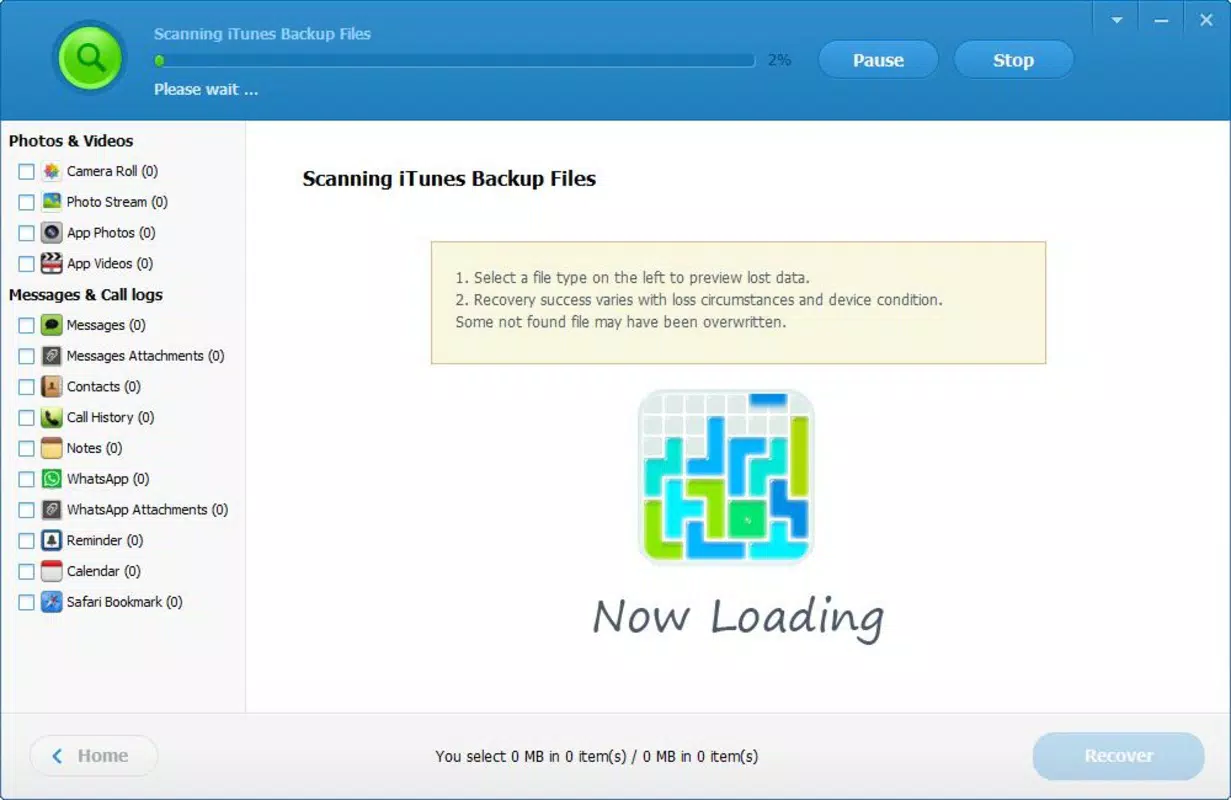
The user interface of iTunes Backup Extractor Pro is described as simple and intuitive, aligning with its target audience of non-technical users. The layout emphasizes clarity, with clearly labeled buttons and a logical flow that guides users through each stage of the recovery process. Navigation is straightforward, allowing users to quickly access backup files, preview their contents, and initiate extractions without confusion. Visual design elements are minimal, focusing on functionality rather than ornamentation, which contributes to a clean and distraction-free experience. Although the developer did not list formal performance metrics, the software is designed to handle extraction tasks efficiently, with an emphasis on speed and reliability. Users can expect responsive behavior during file selection and preview operations, with minimal lag or delays. The application maintains stability across different device categories, including standard desktops and laptops running compatible Windows systems. It does not appear to impose significant system resource demands, as the file size is relatively modest at 100 MB. The software operates without requiring extensive configuration, which enhances the overall user experience. While specific details about compatibility with older Windows versions were not provided, the application is built to function within the Windows ecosystem. Overall, the UX is optimized for ease of use, making it accessible to users of all technical skill levels.Platform Compatibility & Technical Requirements
iTunes Backup Extractor Pro is exclusively available for the Windows platform. It is designed to run on Windows operating systems, though the specific minimum OS version was not listed by the developer. The software has a file size of 100 MB, which is relatively compact for a data recovery utility. This size suggests that the application does not include large bundled libraries or unnecessary components, contributing to efficient installation and storage. The version number is 2.0.0, indicating a stable release with potential improvements over previous iterations. The developer did not specify exact hardware requirements or compatibility with older Windows editions. However, given its size and purpose, it is likely to function on most modern Windows machines with standard processing power and available disk space. The software does not appear to require administrative privileges for basic operation, though this was not confirmed. Compatibility information was not fully disclosed, so users should ensure their system meets general Windows application requirements. The lack of iOS or macOS availability means that users on Apple platforms cannot access this tool directly. For Windows users, the application offers a dedicated solution for recovering data from iTunes backups.Pros and Cons
- Supports recovery of multiple data types including photos, videos, messages, and WhatsApp attachments
- Intuitive interface suitable for non-technical users
- Preview functionality allows users to view backup contents before extraction
- Handles both encrypted and unencrypted iTunes backups
- Streamlined three-step recovery process reduces complexity
- Available only on Windows, limiting access for macOS and iOS users
- Price point of $49.95 may be considered high for casual users
- Developer did not provide detailed system or OS requirements
- No information on automatic update mechanisms or cloud integration
- Not available as a mobile app; requires a desktop environment


